Visa · Mastercard · Discover · Apple Pay · Google Pay
Genuine Microsoft activation key
Instant digital delivery via email
Compatible with Windows 10 and Windows 11
All editions: Pro, Home, Enterprise, Education, Pro Workstation, Enterprise LTSC
Lifetime validity — one-time purchase
One key per edition — tell us which edition you need
Short answer: Windows 10/11 Activation Key at RebootDoctor: $9.90, all editions available (Home, Pro, Enterprise, Education, Pro for Workstations, Enterprise LTSC), a genuine Microsoft key delivered by email after purchase. One-time payment, no subscription. Tell us which edition you need on WhatsApp and we'll send it within minutes. Keys can't be returned once delivered, but a key that fails to activate is replaced or refunded if you report it within 14 days.
What’s Included With a Windows Activation Key Purchase?
A genuine Windows 10/11 activation key for the edition you choose, delivered to your email. Just tell us which edition you need after purchase — or ask us first if you’re not sure.
Which Windows Edition Do You Need?
The same key price covers every edition, so the only question is which one fits how you use the PC:
Edition
Who it’s for
What it adds
Home
Personal and family PCs
The core Windows experience: Windows Hello, Microsoft Defender, device encryption on supported hardware
Pro
Freelancers, small businesses, power users
Everything in Home + BitLocker, Remote Desktop (host), Hyper-V, Windows Sandbox, Group Policy, joining a work domain
Pro for Workstations
High-end workstations
Everything in Pro + ReFS, persistent-memory support, SMB Direct, support for up to 4 CPUs and 6 TB of RAM
Education
Schools, students and staff
An Enterprise-level feature set designed for academic use
Enterprise
Organisations with an IT department
Everything in Pro + Credential Guard, AppLocker and advanced management and security controls
Enterprise LTSC
Fixed-purpose machines: kiosks, lab, medical or industrial PCs
Long-term servicing: security updates only, no feature updates, no Microsoft Store and few built-in apps
For most people the answer is Home or Pro. Choose Pro if you need BitLocker drive encryption, want to connect to the PC with Remote Desktop, or run virtual machines with Hyper-V. Choose LTSC only if you deliberately want a stripped-down system that doesn’t change.
Good to Know Before You Buy
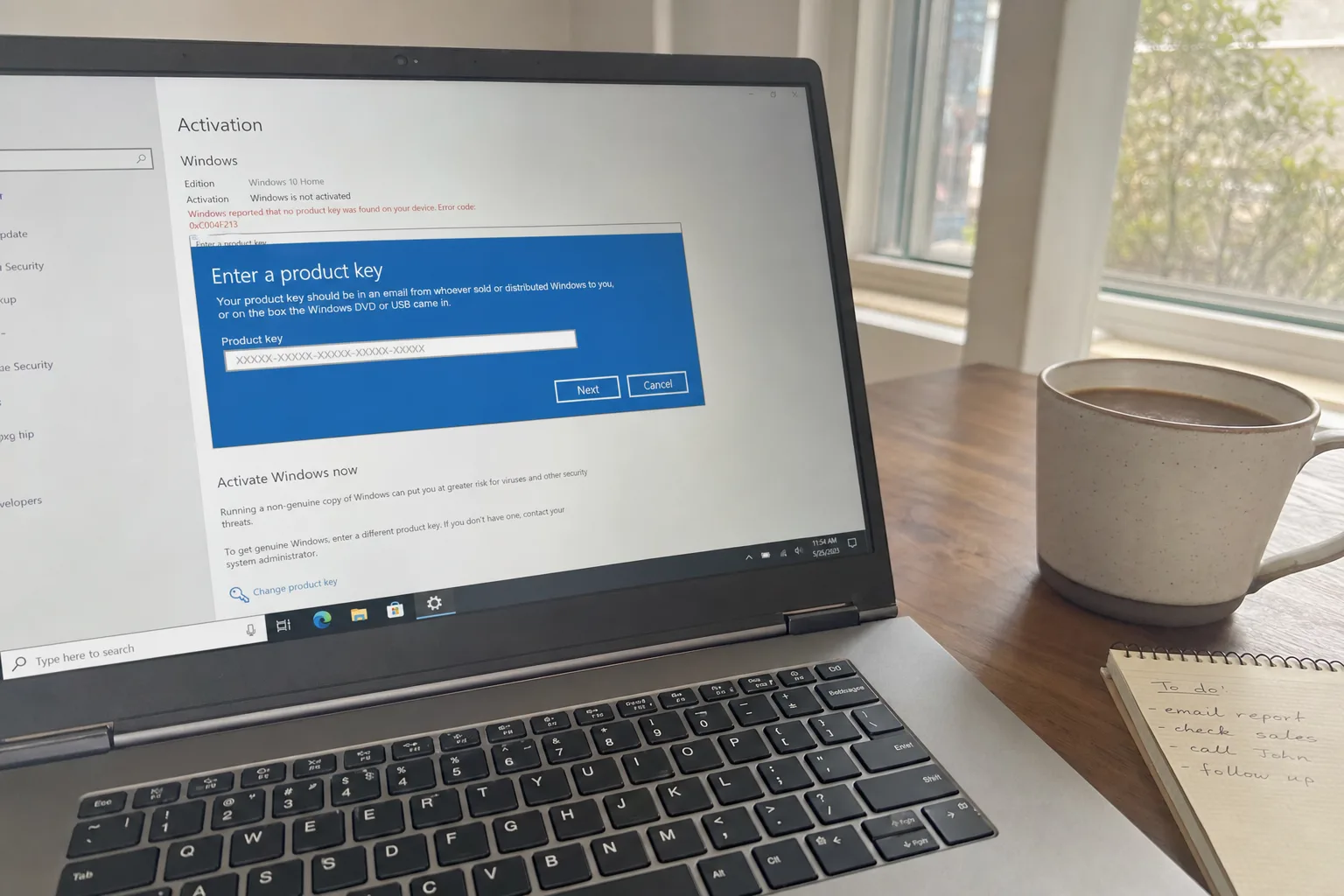
Already on Home and want Pro? You don’t need to reinstall. Enter the Pro key in Settings → System → Activation and Windows upgrades in place.
Windows 10 or 11? Windows 10 reached end of support on October 14, 2025. A key covers activation, but for ongoing security updates Windows 11 is the version Microsoft supports — provided your PC meets its requirements (supported CPU, TPM 2.0, Secure Boot).
Activation needs the matching edition. A Pro key activates Pro, not Home or Enterprise. If we send the wrong edition, we replace it at no charge.
Refund terms for keys. Keys are non-refundable once delivered, because they can’t be returned. Exceptions: a key that fails to activate on a system meeting Microsoft’s edition requirements (report within 14 days for a replacement or refund), a wrong edition, or an order cancelled before delivery.
Not sure which Windows edition you need? Most home users want Home; remote workers and small businesses usually need Pro; schools want Education. Message us on WhatsApp with what you'll use it for and we'll recommend the right one.