Same infection back within 30 days = free re-clean
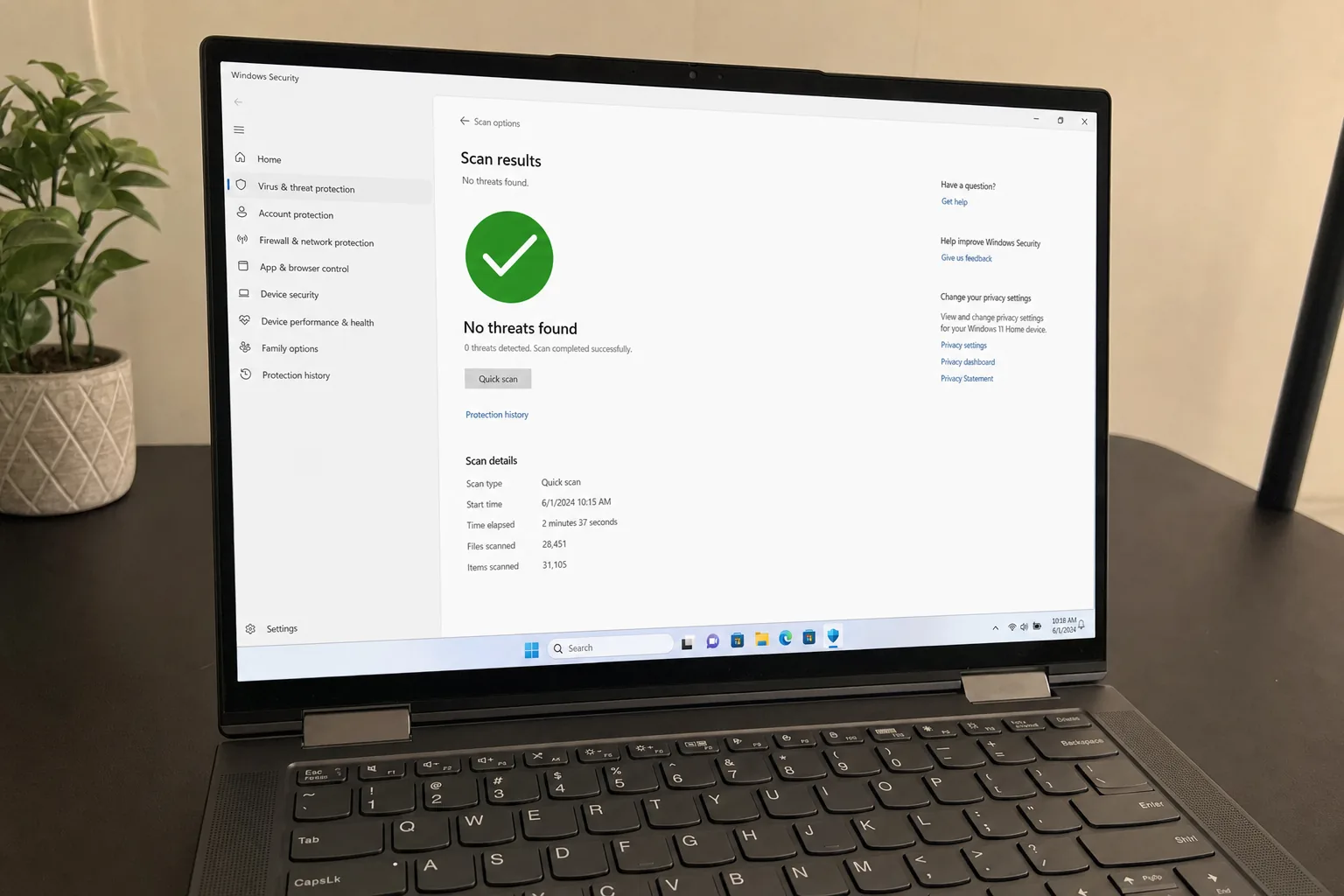
Short answer: Virus & Malware Removal at RebootDoctor: $29.90, typically 30-60 minutes, done remotely. We scan with 3 independent antivirus engines plus manual inspection, remove browser hijackers, adware, spyware, trojans, ransomware, cryptominers and rogue extensions, repair damaged Windows system files (SFC + DISM), and harden Microsoft Defender to make reinfection less likely. No fix, no fee; if the same infection returns within 30 days, we re-clean it free (new infections from new downloads aren't covered). Never pay a ransom demand — contact us first.
What This Fixes
Your browser’s homepage or search engine changed by itself, or searches redirect to strange sites
Pop-up “notifications” in the corner of the screen, even with the browser closed
Fake virus warnings telling you to call a number or buy a “cleaner”
High CPU or fan noise when the PC should be idle
Files renamed with a strange extension and a ransom note on the desktop
Antivirus that keeps turning itself off
Are These Popups Real Malware or Just Browser Junk?
It could be a browser hijacker, spyware, or — worst case — ransomware that has locked your files. Don’t pay the ransom, and don’t download more “free antivirus” tools from pop-ups; they’re often part of the problem. Here’s how the common threat types usually show up and what we do about each:
Threat type
Typical symptom
What we do
Browser hijacker
Changed homepage or search engine, redirects
Remove the extension and any browser policy it set, reset the browser
Notification spam / adware
Pop-ups in the screen corner, ads everywhere
Revoke site notification permissions, remove adware
PUPs and fake optimizers
”PC cleaner” nag screens, unfamiliar programs
Uninstall and remove leftovers and scheduled tasks
Trojans and info-stealers
Often no visible symptom; unknown logins on your accounts
Remove, then advise changing passwords from a clean device and enabling 2FA
Cryptominer
High CPU or GPU use at idle, loud fan
Kill the process and its persistence (services, scheduled tasks)
Ransomware
Files renamed, ransom note
Isolate, remove, check shadow copies and No More Ransom decryptors
Rootkit / bootkit
Antivirus disabled, malware returns after removal
Offline scan with Microsoft Defender Offline; clean reinstall if needed
Remote-access tools from scammers
A “support” caller had you install remote software
Remove the tools, check for persistence, review what they changed
Typical fix time: 30–60 minutes. Price: $29.90. No fix, no fee.
What’s Included in Virus & Malware Removal?
Triple-Engine Scan. We don’t rely on a single antivirus. We scan with three independent detection engines plus manual inspection to catch threats that automated tools miss.
Complete Removal. Browser hijackers, adware, spyware, trojans, ransomware, cryptominers, rogue extensions, fake system optimizers — we remove them and their persistence points.
System Repair. Malware often damages Windows system files to hide itself. We run SFC and DISM to restore corrupted components.
Browser Cleanup. Remove malicious extensions, reset hijacked search engines, clear infected cache data across Chrome, Edge, and Firefox.
Protection Hardening. We configure Microsoft Defender, turn on Controlled Folder Access (ransomware protection) where it fits your use, and set up browser security settings so this is less likely to happen again.
What’s NOT Included
Decrypting files locked by ransomware without the key (nobody can guarantee this — we check for public decryptors and shadow copies).
Data recovery of files deleted by malware (available as a separate service).
Replacing hardware damaged by firmware-level malware (rare — we’ll diagnose and advise).
See a ransom note demanding Bitcoin? Don't pay. Disconnect from the internet and send us a screenshot on WhatsApp first — some ransomware families have free decryptors, and we'll check whether yours is one of them.
We harden your system — configure protection so it doesn’t come back
No fix, no charge — if we can’t fix it, you don’t pay, and if you paid in advance, you get a full refund. If the same infection returns within 30 days, we re-clean it free (new infections from new downloads aren’t covered)
FAQ
I already have antivirus. How did I get infected?
No single antivirus catches everything, and much of today’s “malware” is adware or browser hijackers that users are tricked into allowing. We use multiple scanning engines plus manual inspection, and we check areas automated scanners often skip — startup scripts, scheduled tasks, WMI subscriptions and browser policy overrides.
Should I pay the ransomware demand?
No. Paying funds criminal operations and there’s no guarantee you’ll get your files back. Free decryptors exist for some ransomware families through the No More Ransom project. We can remove the ransomware and attempt file recovery from Volume Shadow Copies if they survived.
Need Expert Help?
If these steps didn't fix your issue, our technicians can diagnose and fix it remotely while you watch.