User data backup & migration (documents, bookmarks, mail)
Short answer: Remote Windows Installation at RebootDoctor: $29.90 flat rate, usually 1-2 hours in total, done remotely while you watch. Includes data backup before install, a clean Windows 10 or 11 install (not 'Reset this PC'), full driver setup, essential apps (browser, PDF reader, VLC, 7-Zip), all Windows Updates, Defender hardening, and data restoration afterward. On most modern PCs the existing Windows licence reactivates automatically, so no separate key is needed. No fix, no fee.
What This Fixes
Windows that has become unstable after years of updates and uninstalled software
Persistent malware that keeps coming back after removal
Windows Update that fails repeatedly and won’t repair
A new or replaced drive that needs Windows on it
A second-hand PC still carrying the previous owner’s software and accounts
Moving from Windows 10 to Windows 11 cleanly on hardware that meets the requirements
Clean Install vs Reset vs Repair Upgrade
Windows offers three ways to “start over”, and they’re not the same. We pick the lightest one that will actually solve your problem:
Repair upgrade (in-place)
Reset this PC
Clean install
What it does
Reinstalls Windows system files over the top
Reinstalls Windows from within Windows
Erases the system partition and installs fresh from Microsoft media
Keeps your files
Yes
Optional (“Keep my files”)
No — we back them up first and restore them after
Keeps installed apps
Yes
No
No
Removes junk, bloat and malware
No
Mostly; manufacturer apps may come back
Yes
Best for
Corrupted system files, broken updates
Moderate clutter when you’re fine reinstalling apps
Deep problems, persistent malware, new drive, fresh start
Effort to get back to normal
Lowest
Medium — reinstall apps
Highest — the part we do for you
If a repair upgrade or reset is enough, we’ll tell you before going further. If you choose the clean install, this service covers the whole process.
Windows 10 or 11?
Windows 10 reached end of support on October 14, 2025; consumer Extended Security Updates: until October 13, 2026 (end date). Windows 11 needs a supported processor, TPM 2.0, Secure Boot capability, 4 GB of RAM and 64 GB of storage. We check your PC against these requirements before installing and recommend Windows 11 where the hardware supports it.
Typical time: 1–2 hours. Price: $29.90. No fix, no fee.
What’s Included in Remote Windows Installation?
Pre-Install Backup. We back up your documents, desktop files, browser bookmarks, saved passwords, email archives, and application data to a safe location before starting.
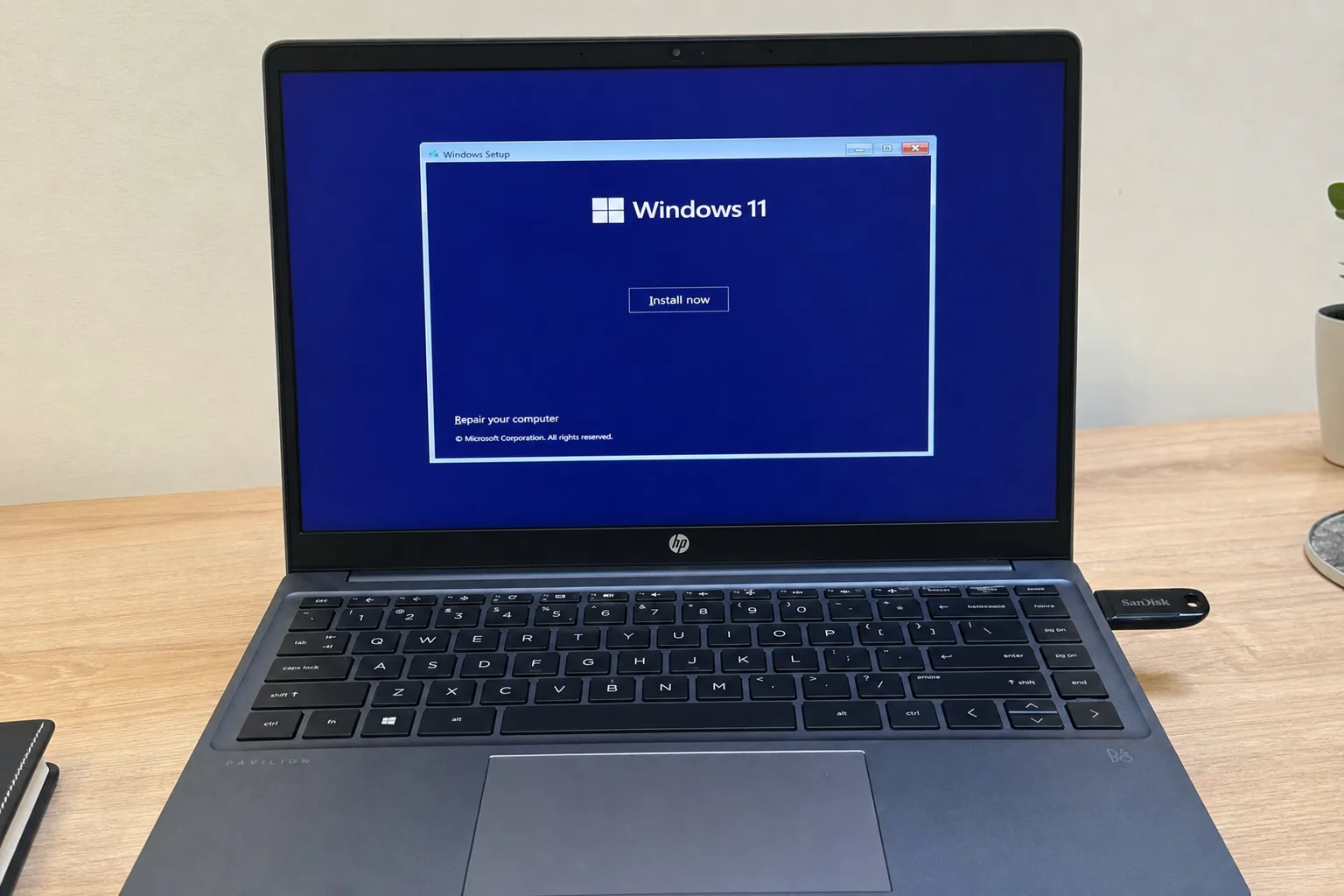
Clean Installation. Fresh Windows 10 or 11 (your choice, hardware permitting) — not a “reset” that keeps old problems. A clean install from official Microsoft media.
Driver Setup. Windows’ built-in driver detection misses some devices. We install chipset, graphics, WiFi/Bluetooth, touchpad, card reader and any manufacturer-specific drivers your system needs.
Essential Apps. Browser (Chrome or Firefox), PDF reader, media player (VLC), 7-Zip, and any other basics you need — all installed and configured.
Windows Update. We run all pending updates so your system is fully patched before you start using it.
Security Configuration. Microsoft Defender, firewall and privacy settings tuned, plus optional ad-blocking DNS and ransomware protection.
Data Restoration. Your documents, bookmarks, and data go back where they were.
What’s NOT Included
Microsoft Windows license key (your existing license is preserved, or you can purchase a key from our shop).
Third-party paid software licenses (Office, Adobe, etc.). We’ll reinstall them if you have the license.
Hardware upgrades during the install.
Worried about losing files or your Office license during a reinstall? Send us your machine's brand + model on WhatsApp first — we'll walk you through the backup plan and tell you exactly what you'll need to reactivate afterward.
Will I lose my files?
No. We back up everything before starting and restore it after. Your documents, photos, bookmarks, and saved passwords will be where you left them.
Do I need a product key?
Usually not. Most PCs sold with Windows 8 or later have the licence embedded in the firmware, and Windows 10 and 11 also remember digital licences. When we reinstall the same edition (Home or Pro), Windows normally activates automatically. If you’re moving from Home to Pro, you’ll need a Pro key.
How long does it take total?
The installation itself is typically quick on an SSD; drivers, Windows Updates and apps take longer, depending on your internet speed. Plan for 1–2 hours in total, most of which doesn’t need you at the keyboard.
Need Expert Help?
If these steps didn't fix your issue, our technicians can diagnose and fix it remotely while you watch.