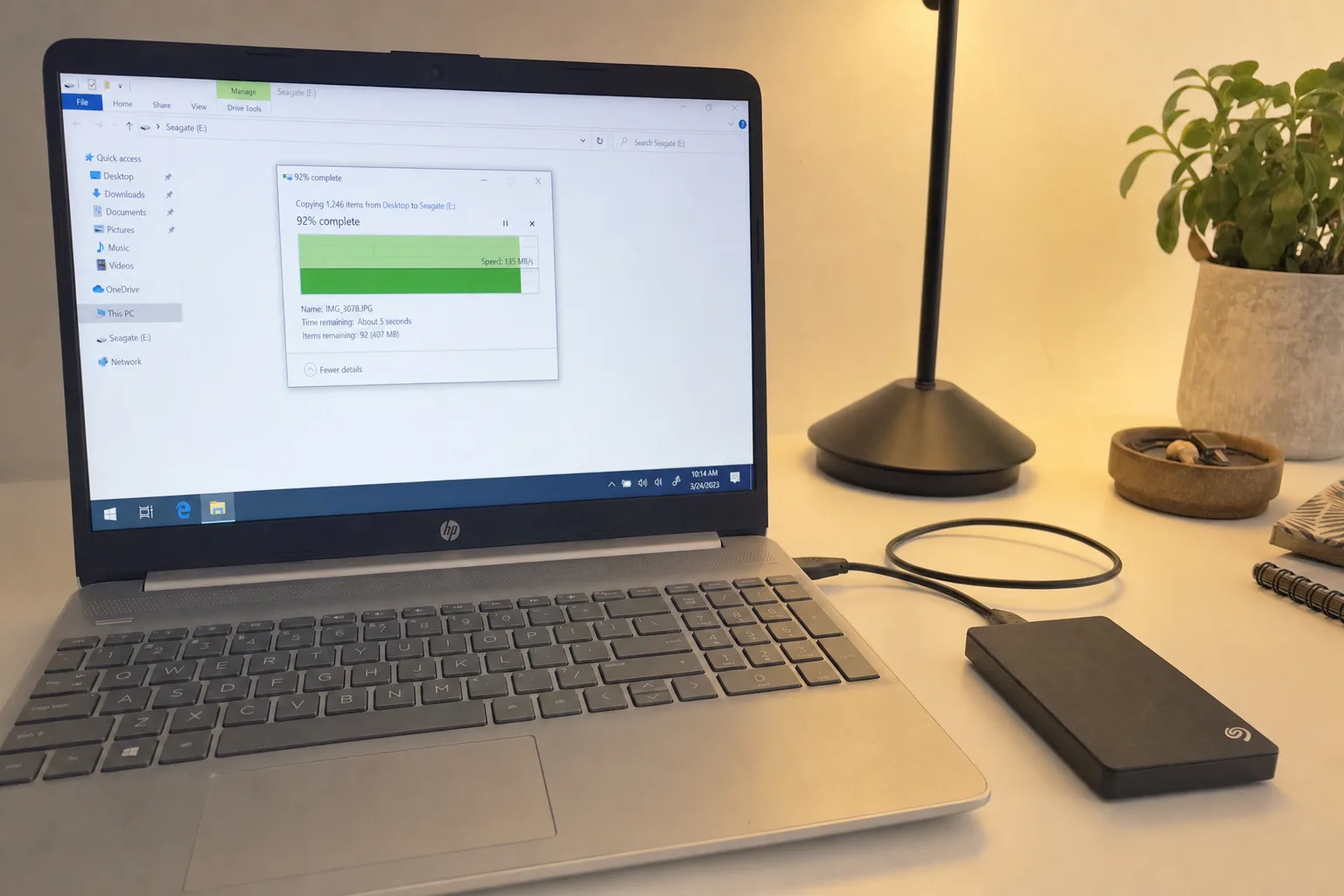
Failing-drive triage — we tell you if it needs a recovery lab
Automated backup setup (local + cloud)
No recovery, no fee guarantee
Short answer: Data Recovery & Backup at RebootDoctor: $49.90, no recovery = no fee. We recover deleted files (even after the Recycle Bin is emptied), quick-formatted drives, lost partitions and corrupted documents, photos and archives from drives that still work, then set up automated backup (File History + cloud sync). We can't recover data from physically damaged or destroyed drives remotely. Most important: stop using the drive now to avoid overwriting what you want back.
What This Fixes
Files deleted by mistake, including after emptying the Recycle Bin or using Shift+Delete
An external drive or USB stick that was quick-formatted by accident
A partition that disappeared, or a drive that suddenly shows as “RAW” and asks to be formatted
Documents, photos or ZIP files that no longer open
No backup at all — we set one up so this is the last time
Can You Recover Deleted Files in Windows?
Stop using your computer, or at least the affected drive, right away. Every new file you save and every program you open can overwrite the data you’re trying to recover.
The good news: on a traditional hard drive, deleted files aren’t erased immediately. Windows marks that space as “available”, and until something overwrites it the data is usually still there. SSDs are different — see the table.
What Can and Can’t Be Recovered Remotely
Situation
Recoverable remotely?
Why
Deleted files on a hard drive (HDD), Recycle Bin emptied
Often
Data stays until overwritten — chances fall the more the drive is used
Deleted files on an SSD
Often not
TRIM lets the SSD erase freed blocks, usually soon after deletion
Quick-formatted drive or USB stick
Often
A quick format rebuilds the file table but leaves most data in place
Lost or deleted partition
Often
The partition can usually be found and restored
Drive shows as RAW / asks to be formatted
Often, if the drive is healthy
The file system is damaged, not the data
Corrupted documents, photos, archives
Sometimes
Depends on how much of the file is intact
Files encrypted by ransomware
Only sometimes
If shadow copies or backups survived, or a public decryptor exists
BitLocker drive without the recovery key
No
The data can’t be decrypted without the key
Full format or secure wipe
No
The data has been overwritten
Clicking, not detected, water or fire damage
No — needs a lab
Physical damage requires a clean-room recovery lab; we can recommend one
We’ll give you an honest assessment of which row you’re in before we start. If the drive is physically damaged, that’s outside our remote service, so we’ll tell you before you pay rather than attempt it. For cases within scope, if we can’t recover your files, you don’t pay — and if you paid in advance, you get a full refund.
Price: $49.90. No recovery, no fee.
What’s Included in Remote Data Recovery?
Deleted File Recovery. Accidentally deleted files (even after emptying Recycle Bin), Shift+Deleted files, files lost during cut/paste errors.
Formatted Drive Recovery. Quick-formatted the wrong external drive? We can often rebuild the file table and restore access to your data.
Corrupted File Repair. Documents that won’t open, photos that show as blank, ZIP files that report errors. We attempt repair of the file structure.
SSD / HDD Triage. If your drive is clicking, not detected, or reporting SMART errors, we’ll assess whether anything can be done remotely or whether you need a local data recovery lab.
Backup Setup. After recovery, we set up an automated backup so this doesn’t happen again: File History for continuous local backups + cloud sync (OneDrive, Google Drive, or Dropbox).
What’s NOT Included
Physical drive repair or recovery from physically damaged drives (requires a cleanroom lab — we can recommend one).
Recovery from drives encrypted with BitLocker without the recovery key.
Recovery from securely wiped or fully overwritten drives.
Just realized you deleted something important? Stop using the drive now and message us on WhatsApp — the less the drive is used, the better the chances. We'll tell you honestly whether recovery looks possible before you pay anything.
Message us — describe what happened and what files you need
We connect remotely and run recovery tools, saving results to a different drive
We recover your files and verify they open correctly
We set up automated backup so it doesn’t happen again
FAQ
Can you recover files I deleted months ago?
It depends on the drive type and how much it has been used since. On an SSD the chances are usually low; on a hard drive they fall as more data is written. We’ll give you an honest assessment before we start.
What if you can’t recover my files?
You don’t pay — and if you paid in advance, you get a full refund. We work on copies where possible and save recovered files to a different drive, and we’ll tell you upfront if the chances are low.
Need Expert Help?
If these steps didn't fix your issue, our technicians can diagnose and fix it remotely while you watch.