Visa · Mastercard · Discover · Apple Pay · Google Pay
Full disk space analysis — identify what's eating your storage
Safe temp file cleanup (Windows, browsers, apps)
Old Windows Update & upgrade file removal
Duplicate file detection & removal
System Restore point management
30-day guarantee — same issue = free re-clean
Short answer: C-Drive Cleanup at RebootDoctor: $19.90 flat rate, typically 20-30 minutes, done remotely while you watch. We find out what is actually filling your C: drive, then safely remove Windows Update leftovers, temp files, Delivery Optimization cache, old Windows installations, browser caches and duplicates. We only touch system-generated files — your personal files stay where they are unless you decide otherwise. No fix, no fee, and a 30-day guarantee.
What This Fixes
The C: drive bar in File Explorer has turned red
“Low disk space” warnings that come back a few days after you delete things
Windows Update failing because there isn’t enough free space
Apps or games that won’t install or update on C:
A PC that slows down noticeably when the drive is almost full
Why Does Your C-Drive Keep Filling Up?
You keep deleting things but the space fills up again, and you’re afraid to delete anything important, so you live with the warning. How much space comes back depends entirely on the machine — that’s why we start by measuring rather than guessing.
Where the Space Usually Goes
Windows keeps a lot of files you never see. This is what we look at, and how we treat each one:
Location
What it is
Safe to remove?
How we handle it
Hibernation file (hiberfil.sys)
Saves memory contents for hibernate and Fast Startup; its size scales with your RAM
Only if you don’t use hibernate
We ask first; turning it off also turns off Fast Startup
Page file (pagefile.sys)
Virtual memory Windows needs to run
No
Left alone, or moved only with good reason
Windows.old
Your previous Windows after a major upgrade, kept for rollback
Yes, if you won’t roll back
Removed with Windows’ own cleanup tools
Windows Update cache and superseded components
Downloaded updates and old component versions
Yes, through the proper tools
Disk Cleanup / DISM — never by deleting WinSxS by hand
Delivery Optimization files
Update pieces shared with other PCs
Yes
Cleared
Temp folders
Leftovers from installers and apps
Yes, if not in use
Cleared
System Restore points
Snapshots for rolling Windows back
Partly
Allocation reduced; the newest restore point is kept
Crash dumps (MEMORY.DMP, minidumps)
Diagnostic files from past crashes
Yes, if crashes are solved
Kept if you still have blue screens
Browser caches
Cached web content
Yes
Cleared; it rebuilds as you browse
Downloads, Desktop, Documents
Your own files
Your call
Shown to you, never deleted without your OK; can be moved to another drive
Typical fix time: 20–30 minutes. Price: $19.90. No fix, no fee.
What’s Included in C-Drive Cleanup?
Disk Analysis. We scan your entire C: drive and show you exactly what’s using the space — sorted by size, so you can see the biggest items first.
Safe Cleanup. Windows temp files, browser caches, old Windows Update files, Delivery Optimization files, error memory dumps, and thumbnail caches. We only remove system-generated files, never your personal files.
Old Windows Files. After a major Windows update, Windows keeps the previous version (Windows.old) for 10 days by default so you can roll back. It can take many gigabytes. If your system is stable, we can remove it now instead of waiting.
Duplicate Finder. We scan for duplicate files (photos, downloads, documents) and show you what could be removed — you decide.
Restore Point Tuning. System Restore reserves a share of the drive set in System Protection. We adjust it to keep protection without wasting space.
If the drive is simply too small for what you keep on it, we’ll say so — a bigger SSD is a hardware upgrade you’d do locally; we don’t replace parts.
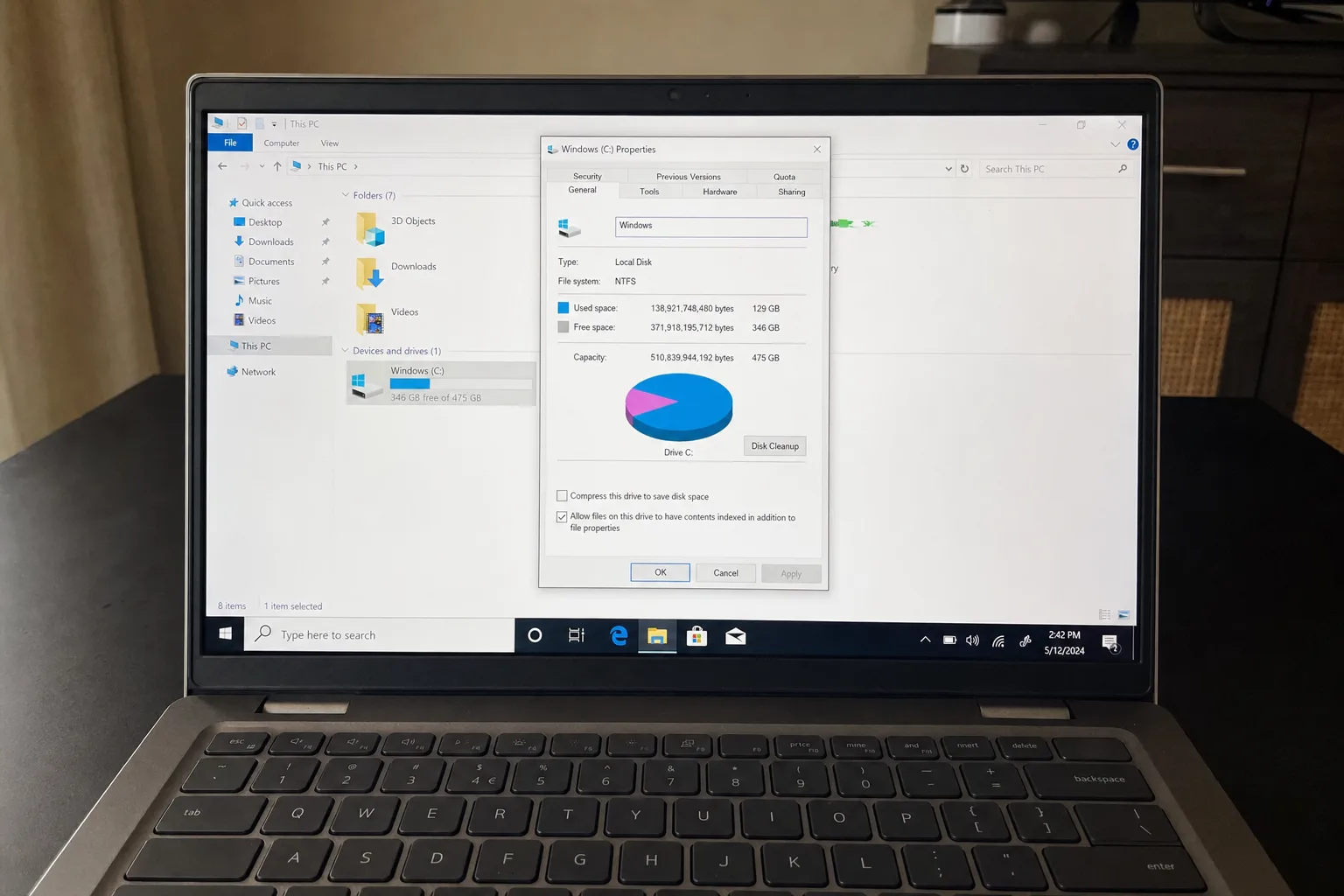
Not sure if cleanup will help, or whether you actually need a bigger SSD? Send a screenshot of File Explorer → This PC showing your C-drive bar and we'll give you an honest first opinion.
Will you delete my photos or documents?
Never without your say-so. We only remove system-generated files. The disk analysis shows you everything — nothing happens without you seeing it.
How is this different from Disk Cleanup?
Windows’ built-in Disk Cleanup and Storage Sense handle some categories well, and we use them. What they don’t do is show you which folders are large and why, deal with app-specific caches, or explain trade-offs like hibernation and restore points. We review your specific machine by hand.
Need Expert Help?
If these steps didn't fix your issue, our technicians can diagnose and fix it remotely while you watch.