Visa · Mastercard · Discover · Apple Pay · Google Pay
WiFi signal & channel interference analysis
DNS configuration fix (speed & security)
Network adapter driver update/repair
Router settings optimization (QoS, channel, band steering)
VPN, proxy & firewall conflict resolution
30-day guarantee — same issue = free re-fix
Short answer: Network & WiFi Fix at RebootDoctor: $29.90, typically 15-25 minutes, done remotely. We diagnose WiFi signal, channel and band issues, switch to a fast DNS resolver (such as Cloudflare or Quad9), repair adapter drivers, tune router settings you can log in to, and resolve VPN, proxy and firewall conflicts. Many 'slow internet' problems turn out to be configuration rather than the ISP. No fix, no fee, and a 30-day guarantee.
What This Fixes
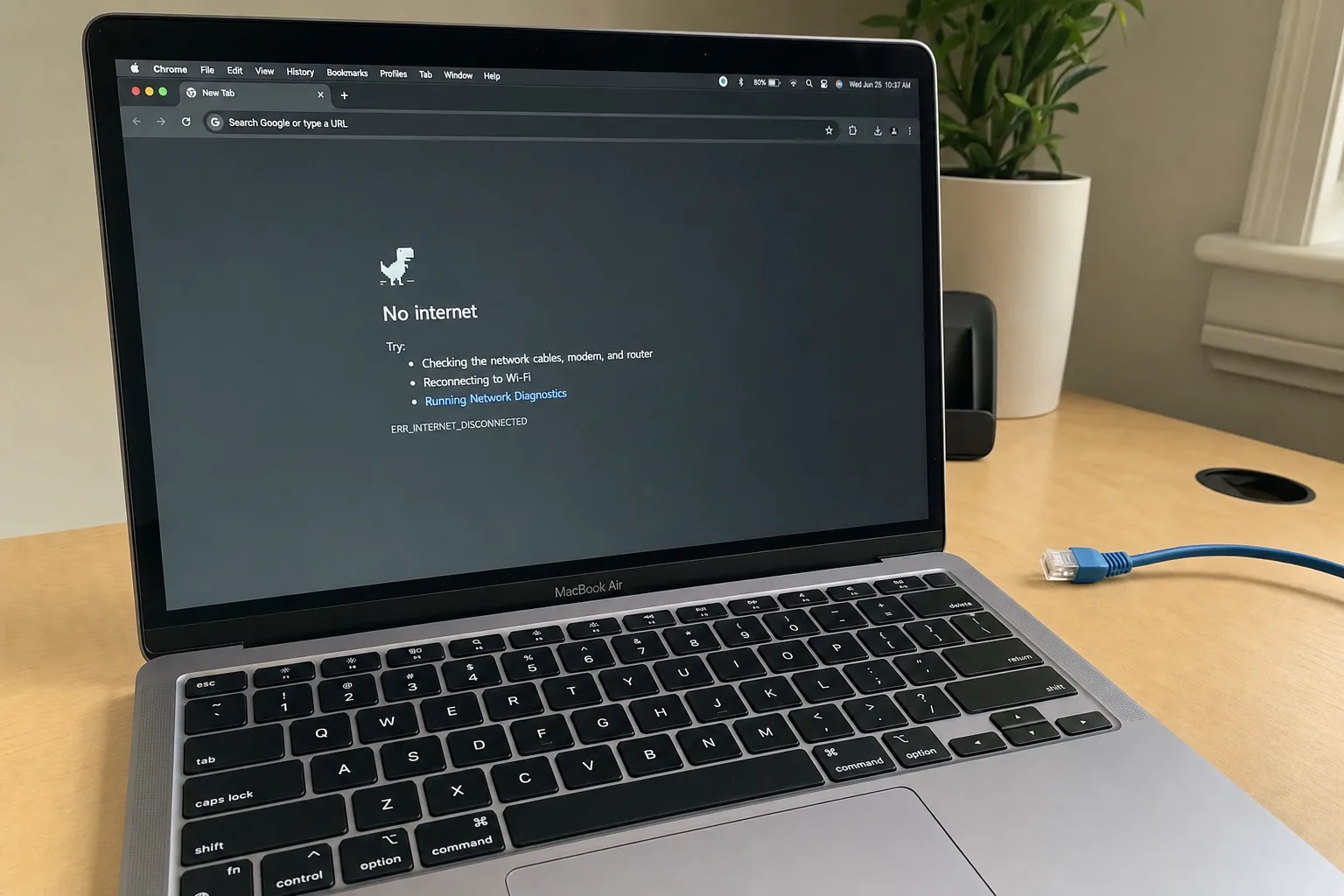
“No internet, secured” or “Connected, no internet” while other devices work
WiFi that drops every few minutes or after the PC wakes from sleep
Speed tests far below your plan on one PC but fine on your phone
Your network not showing up in the WiFi list
Some websites failing to load while others work
Internet that broke after installing a VPN or security suite
Why Is Your Internet Slow on PC But Fine on Phone?
Your plan says one speed, your speed test shows a fraction of it. One device works fine, another can barely load a page. Network problems are frustrating because the cause could be on the PC, the router, the ISP, or in a DNS setting that’s been wrong for years. The quickest way to narrow it down is by symptom:
Symptom
Likely cause
What we do
Connected, but “No internet”
DNS failure, IP conflict or a broken network stack
Check IP and DNS settings, reset Winsock / TCP-IP, renew the lease
Slow on this PC, fine on phone
Adapter driver, power saving, stuck on 2.4 GHz, background downloads
Update or roll back the driver, adjust power management, check band and background usage
WiFi drops every few minutes
Adapter power management, driver bug, channel congestion
Disable adapter sleep, change driver, pick a less crowded channel
Network not in the list
Adapter disabled, airplane mode, missing driver, or 5 / 6 GHz not supported by the adapter
Re-enable and reinstall the adapter, check which bands it supports
”Can’t connect to this network”
Saved profile out of date, password changed, WPA3 vs older adapter
Forget and re-add the network, check the router’s security mode
Some sites won’t load
DNS cache, proxy setting, hosts file, browser extension
Flush DNS, clear proxy, review hosts file and extensions
Ethernet shows “Unidentified network”
DHCP problem, leftover static IP, cable or port
Reset adapter settings, test another port or cable
Broke after VPN install
Leftover virtual adapters or filter drivers
Repair or remove the VPN’s network components
If a router or network adapter is genuinely faulty, we’ll tell you — but replacing hardware is outside what we do remotely. Router changes are only possible if you can log in to the router’s admin page.
Typical fix time: 15–25 minutes. Price: $29.90. No fix, no fee.
What’s Included in Remote Network & WiFi Repair?
WiFi Analysis. We check signal strength, channel congestion (are your neighbors on the same channel?) and band selection (2.4 GHz vs 5 GHz).
DNS Fix. A slow or failing DNS resolver makes every site feel slow. We can switch you to a fast, secure resolver such as Cloudflare (1.1.1.2 blocks known malware) or Quad9.
Driver Repair. WiFi adapter drivers are notoriously fragile. We check for updates, known bugs, and compatibility issues with your Windows version.
Router Optimization. Channel selection, band steering, QoS and MTU — we walk through your router settings with you and fix the configuration.
Conflict Resolution. VPN software, proxy settings, firewall rules, and “internet security” suites often interfere with normal networking. We find and fix the conflicts.
FAQ
My internet is fast on my phone but slow on my PC. Is it my ISP?
Probably not — if one device on the same WiFi is fast, the ISP connection is working. The problem is usually on the slow device: WiFi driver, DNS settings, or background bandwidth use (Windows Update, game launchers, cloud sync).
Do I need a new router?
Often not. Many “slow WiFi” issues are configuration or driver problems rather than hardware failure. We’ll tell you honestly if your hardware is the bottleneck.
Run a speed test, then send us the result + your router model on WhatsApp. We'll tell you whether it looks like a config fix or a hardware limit.