Visa · Mastercard · Discover · Apple Pay · Google Pay
Startup program audit & optimization
Junk and temp file cleanup
Background service & bloatware removal
Browser cache, extension & cookie cleanup
Boot time and resource check before & after
30-day guarantee — same issue, free re-fix
Short answer: PC Speed Optimization at RebootDoctor: $9.90 flat rate, typically 15-30 minutes, done remotely while you watch. We review every startup program and background service, remove bloatware and junk files, clean your browsers, and treat hard drives and SSDs differently (defrag only where it helps). If the real bottleneck is hardware, we tell you what to upgrade. No fix, no fee, and a 30-day guarantee — if the same issue returns, we re-fix it free.
What This Fixes
Windows takes minutes to reach a usable desktop
Apps and File Explorer open slowly or freeze for a few seconds
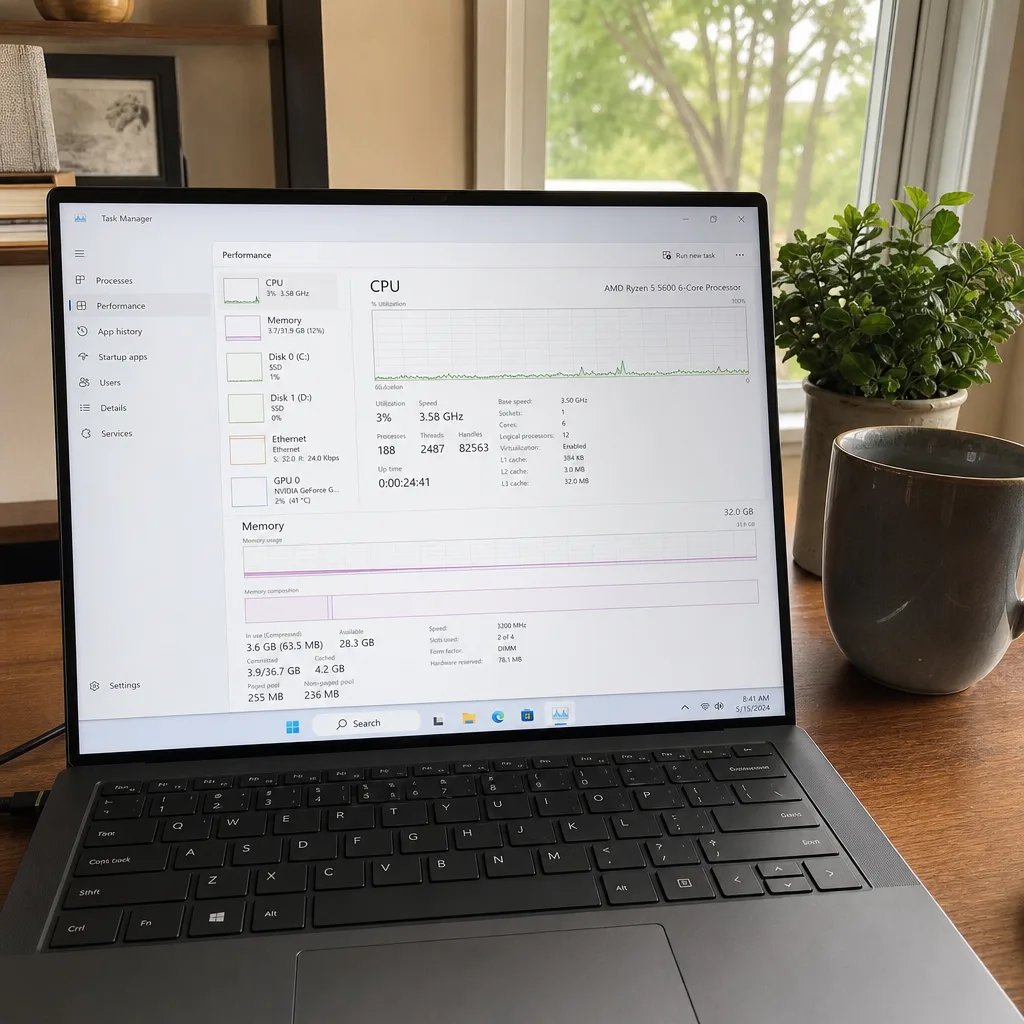
Task Manager shows Disk at 100% while you’re doing almost nothing
The fan runs loudly at idle
Trialware and “PC cleaner” pop-ups from software you never asked for
The browser crawls with many extensions and tabs
Why Is Your Computer So Slow Lately?
You click something and wait. Restarting helps for a few minutes, then the sluggishness returns. Many slow PCs aren’t old — they’re clogged with startup programs, background services and accumulated temp files. Some genuinely are hitting a hardware limit, and part of the job is telling you which case you’re in.
HDD vs SSD: We Treat Them Differently
The type of drive Windows runs from changes what actually helps:
Task
Hard drive (HDD)
Solid-state drive (SSD)
Defragmentation
Helps — we check the schedule and run it if needed
Not used — Windows sends TRIM via “Optimize Drives” instead
Trimming startup programs
Big effect on boot time
Still worthwhile, smaller effect
Free space
Keep headroom so files don’t fragment badly
Keep some free space — SSDs slow down when nearly full
Health check
SMART: reallocated and pending sectors
SMART: wear level / percentage used
”Disk 100%” in Task Manager
Common; often search indexing, updates or SysMain
Rare; usually points to a driver or firmware problem
Biggest upgrade if still slow
Moving Windows to an SSD
More RAM, if memory use stays high
We don’t replace hardware. If an SSD or RAM upgrade is the honest answer, we’ll say so and you can have it fitted locally.
Typical fix time: 15–30 minutes. Price: $9.90. No fix, no fee.
What’s Included in PC Speed Optimization?
Startup Cleanup. We review every program that launches at boot — including ones Windows doesn’t show in the Startup list — and disable what you don’t need, without touching anything you actually use.
Junk File Removal. Windows accumulates temporary files, update caches, old error logs and thumbnail databases. We clear these safely.
Background Service Tuning. Many apps install background services that run all the time, even when the app is closed. We identify the resource hogs and stop them.
Browser Cleanup. Extensions, cached files and cookies accumulate over months and can slow every page load. We clean Chrome, Edge and Firefox.
Before & After Check. We measure boot time and resource usage before and after so you can see the difference on your own machine.
What’s NOT Included
Hardware upgrades (RAM, SSD replacement). We can diagnose if you need these, but we don’t supply or fit parts.
Data recovery (available as a separate service).
Ongoing maintenance plans (contact us for options).
Want a free opinion before booking? Send a screenshot of your Task Manager on WhatsApp — we'll tell you whether it looks like something we can speed up or a hardware limit.
You message us on WhatsApp — describe what’s slow and when it started
We connect securely — one-time encrypted session, you watch every click
We optimize — 15–30 minutes, live on your screen
You test — open your apps, browse, see the difference
No fix, no charge — if we can’t fix it, you don’t pay, and if you paid in advance, you get a full refund. 30-day guarantee: if the same issue returns, we fix it free
FAQ
Will this delete my personal files?
No. We only remove system-generated junk (temp files, caches, logs). Your documents, photos, and programs are untouched.
How is this different from free PC cleaners?
Free tools apply generic rules and often miss the biggest slowdowns — startup programs, vendor bloatware and background services. Some “cleaners” are bloatware themselves. We review your specific system by hand and only disable what’s safe.
Can this fix a computer that takes 5+ minutes to boot?
Often, yes — very long boot times are commonly caused by too many startup programs, pending updates, or Windows running from an ageing hard drive. If the drive itself is the bottleneck, we’ll tell you that an SSD is the real fix.
Need Expert Help?
If these steps didn't fix your issue, our technicians can diagnose and fix it remotely while you watch.